
Suggestions with evidence
Five levels from very low to very high, plus the reason and the AI answers the suggestion came from.

Actions
The action list tells you what to do next. Every suggestion comes from your own measurements, is sorted by importance and shows the AI answers it is based on. Your team works through it, your client sees the progress.
No placeholders: you are right inside CiteTop, in our real sample project. Its prompts run automatically every week – so history and statistics grow with every measurement. No sign-up, view only.
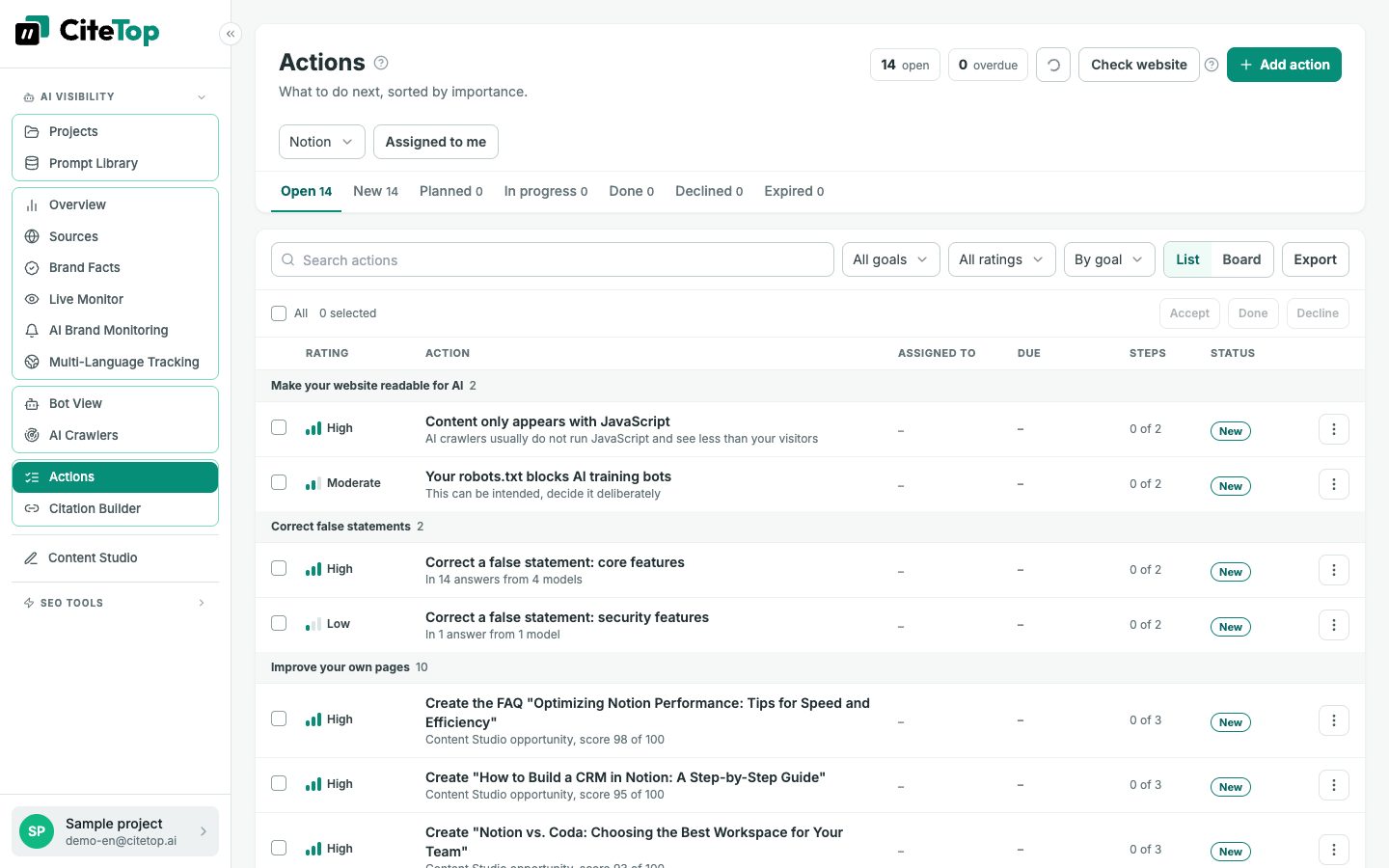
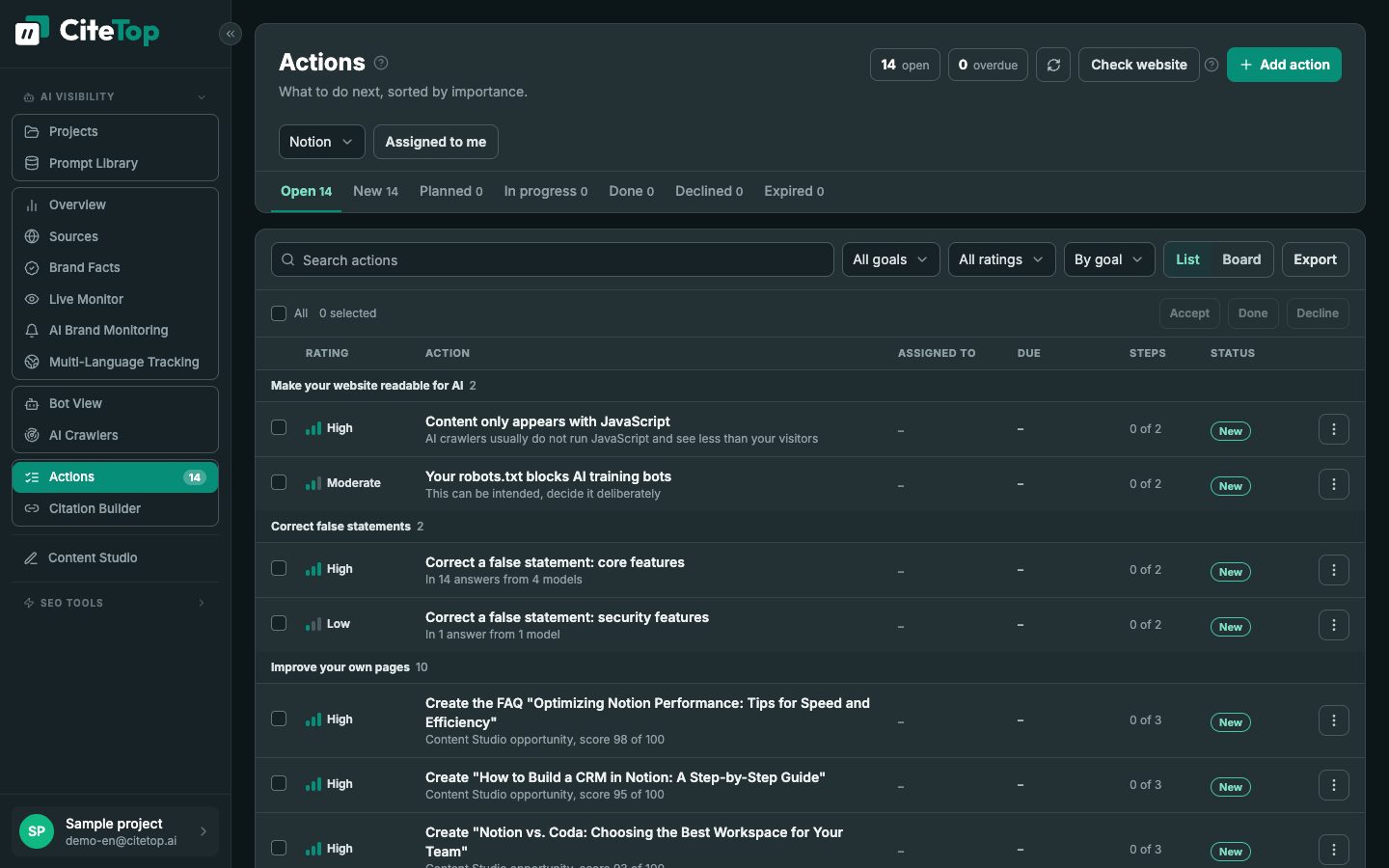
Five levels from very low to very high, plus the reason and the AI answers the suggestion came from.
Accept, start, tick off steps, finish. With owner, due date and repetition, as a list or a board.
One click opens the right tool. Once the article or correction is done, the action counts as done by itself.
For each action you see visibility before and after, as a marker on the timeline and in the PDF report.
Turns your measurements into a list of concrete tasks, sorted by importance and backed by the AI answers. Every accepted suggestion becomes a task with steps, an owner and a due date. From there you start content, corrections and source work directly in the right tool.
Numbers alone improve nothing. The list shows which work pays off most right now, keeps the team on track and makes visible in the timeline what changed after each action.
Marketing teams, SEO leads and agencies who want to plan their AI visibility work and prove it to clients.
As soon as the first prompt runs are in – and then at every weekly planning.
How to start: Review a suggestion → accept → start → tick off steps → check the timeline
Try it for free
The free AI check on our homepage asks an AI model about your brand and industry – no sign-up, in a few seconds.
From your own measurements: cited sources without your brand, opportunities from Content Studio, wrong statements by AI, answer gaps and the website check. No invented tasks.
Yes, with title, description, steps, due date, owner and, if you like, as a recurring task.
A client with read-only access only sees what is in progress and what is done. Suggestions, notes and names from your team stay internal.
Yes. Through the MCP server, Claude for example can read and edit your actions, and every action can be copied as a ready-made brief for an AI assistant.
Start on the free plan – upgrade when it pays off for you.